iOS
Apps for iPhone and iPad
An experience designed for Apple devices, with navigation, visual design and device capabilities matched to the product. Includes preparation for testing and the App Store submission process.
 Let’s talk
עב
Let’s talk
עב
New at AB Sites
App development · iOS / Android / PWA
From the first tap to an everyday habit. Apps that look considered, feel natural and solve a real problem for your business.
Scroll. Watch your idea take shape.
More than another icon.
We start with the people using your app: what they need to do, what slows them down today and how a complex process becomes a simple action.
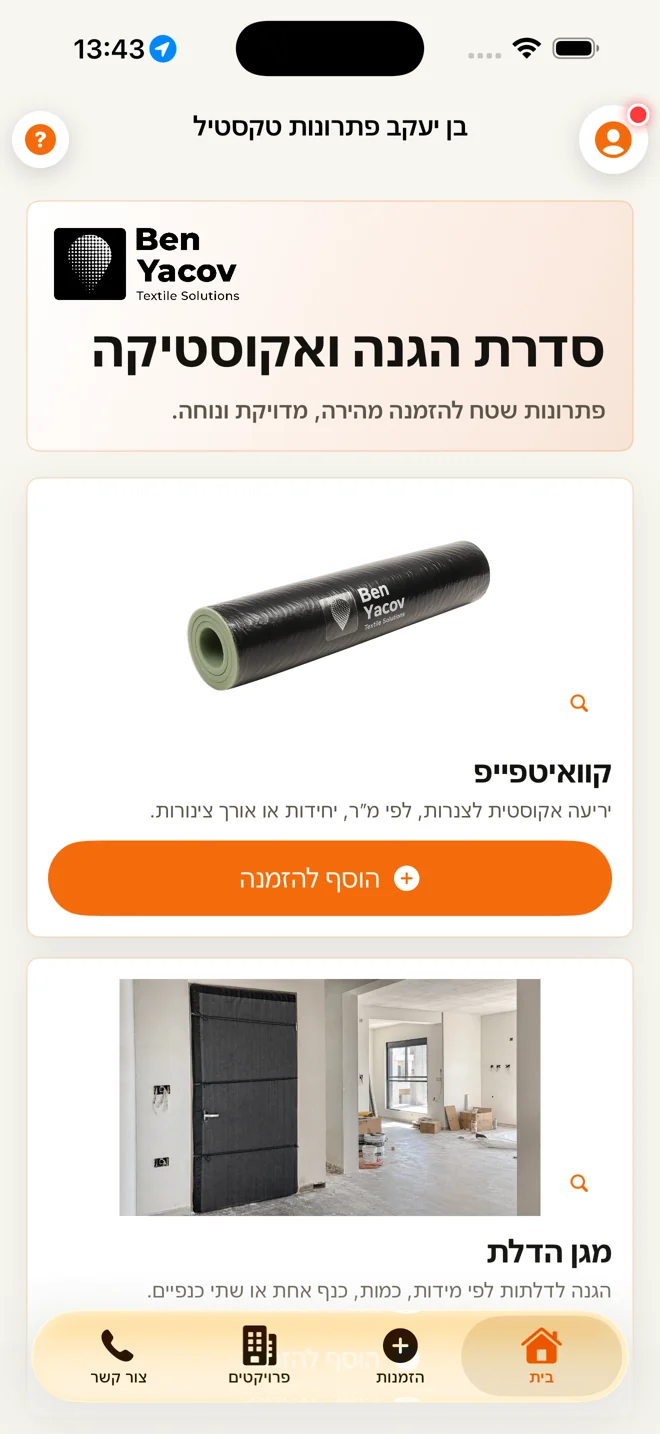
01 / A business app, built for the field
BenYacovOrders
BenYacovOrders turns a product catalogue and ordering workflow into a clear mobile experience. Choose products, specify a project and delivery address, then move through a structured order flow.
Screenshots from the BenYacovOrders app.
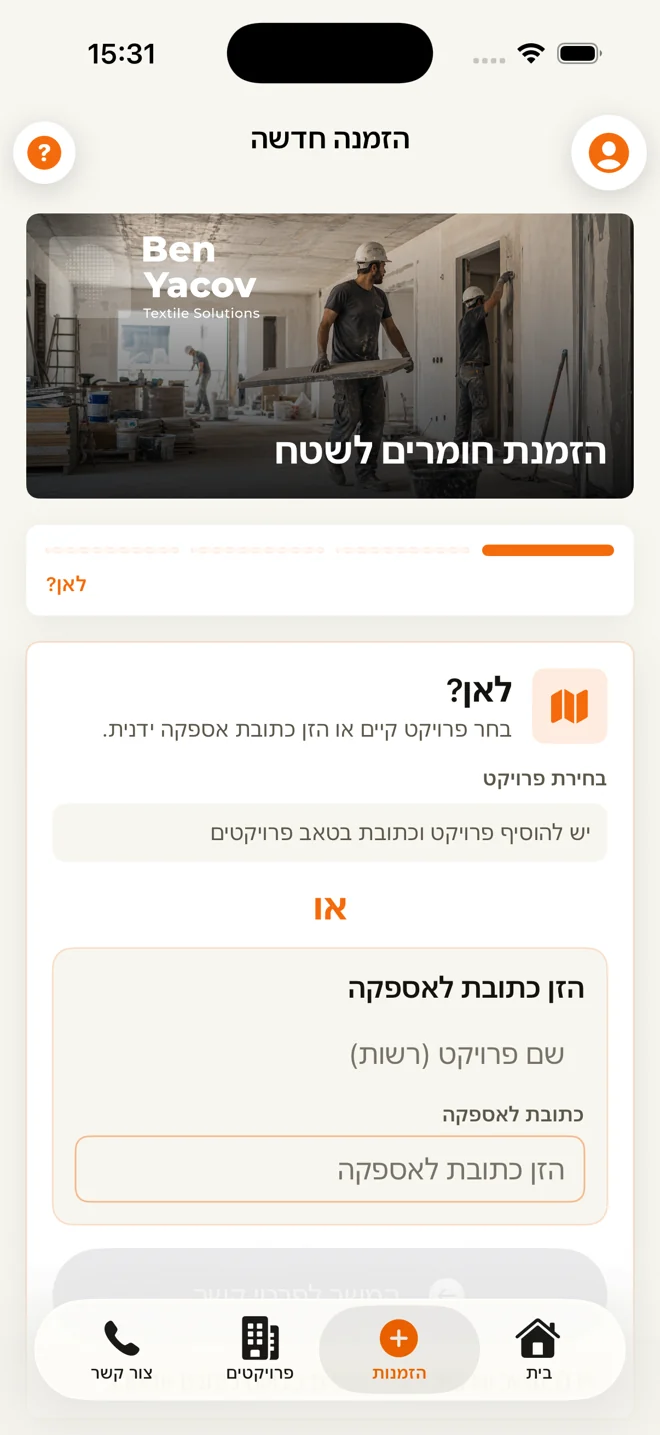
From browsing to ordering. Scroll to turn the screen.
02 / A progressive web app example
Vowfolio
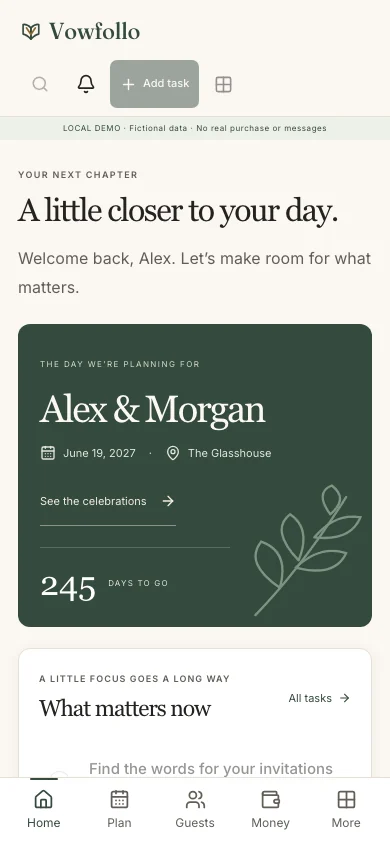
Vowfolio brings wedding planning into one place: tasks, guests, budgets and seating. A web product designed to follow users between desktop and mobile, with an experience suited to PWA installation.
Vowfolio product screenshots with fictional demo data.
The right technology starts with the need.
We choose a platform around your audience, budget and workflows. Sometimes you need an app in the stores. Sometimes a web product that opens with a link is the better fit.
An experience designed for Apple devices, with navigation, visual design and device capabilities matched to the product. Includes preparation for testing and the App Store submission process.
Interfaces adapted to different devices and screen sizes, usability testing and preparation for Google Play submission. The development approach follows the capabilities your product needs.
A responsive web product that can be added to the home screen on supporting devices and browsers. A practical direction for dashboards, customer portals, ordering and business tools.
Installation, notifications, hardware access and offline features depend on the device, browser and product design. We define and verify the required capabilities during planning.
| Your need | A direction to explore |
|---|---|
| A workflow customers or teams can open with a link | PWA or web application |
| A mobile experience distributed through app stores | iOS and Android |
| Advanced access to device capabilities | Platform-specific development |
| Testing an idea before expanding it | A focused first release (MVP) |
From idea to launch
Identify the audience, the problem, what the first release must include and what success should look like.
Map screens and user journeys, build a visual language and make the important actions clear.
Develop the agreed interfaces and integrations. Test permissions, error states, devices and screen sizes.
Prepare the operating environment, support launch or store submission and plan maintenance and future releases.
DESIGNED TO WORK.
An app is more than a collection of screens. We define the foundations that make it a dependable tool.
Development scope, integrations, infrastructure costs, store accounts and maintenance are agreed in the proposal after planning.
Before we begin
Cost depends on screens, user journeys, platforms, permissions, integrations and the complexity of administration. After an initial conversation and discovery, you receive a proposal defining the scope, milestones and costs.
There is no single timeline for every product. An app with one workflow and a simple admin interface differs from a system with multiple user roles and integrations. We define the schedule after discovery and can start with a focused MVP.
A PWA is a web app that opens with a link and can support home-screen installation. A store app is distributed through the App Store or Google Play. Distribution, device capabilities, updates and running costs differ, so we choose based on the actual use case.
A PWA is designed to work in desktop and mobile browsers. Installation, notifications and offline capabilities vary between operating systems and browsers. We test relevant devices and plan alternatives for unsupported features.
Yes. The service covers planning and development for both platforms. During discovery we choose between a shared foundation and platform-specific development based on user experience, performance and required device capabilities.
Yes, where an appropriate integration is available. We review APIs, permissions, data structures and service limitations before committing to the integration. A new admin interface or data service can also be included in the scope.
Preparation and submission support can be included: test builds, screenshots, product details and store settings. Appropriate developer accounts are required, and final approval remains subject to Apple’s and Google’s review and policies.
Some products can support local storage and partial offline workflows. Not every action can work offline, particularly when current server data is needed. We define what is stored locally, how syncing works and how errors are handled.
Yes. Planning includes interface and user experience design, device adaptation and language direction, including RTL where needed. We check navigation, readability, contrast and different states. Accessibility targets and exact scope are agreed in advance.
A maintenance plan can cover bug fixes, compatibility updates, performance improvements and new features. Hosting, third-party services, backups and operational responsibilities should also be planned around the product.
The next screen could be yours.
Tell me what your business does, who will use the app and which action you want to make easier. That is where we begin.
Asaf Ben Yaakov / AB Sites